
How to Find Recurring Charges & Subscriptions in Your Revolut Statement
Most people can name one subscription off the top of their head. Maybe two. The statement usually tells a different story.
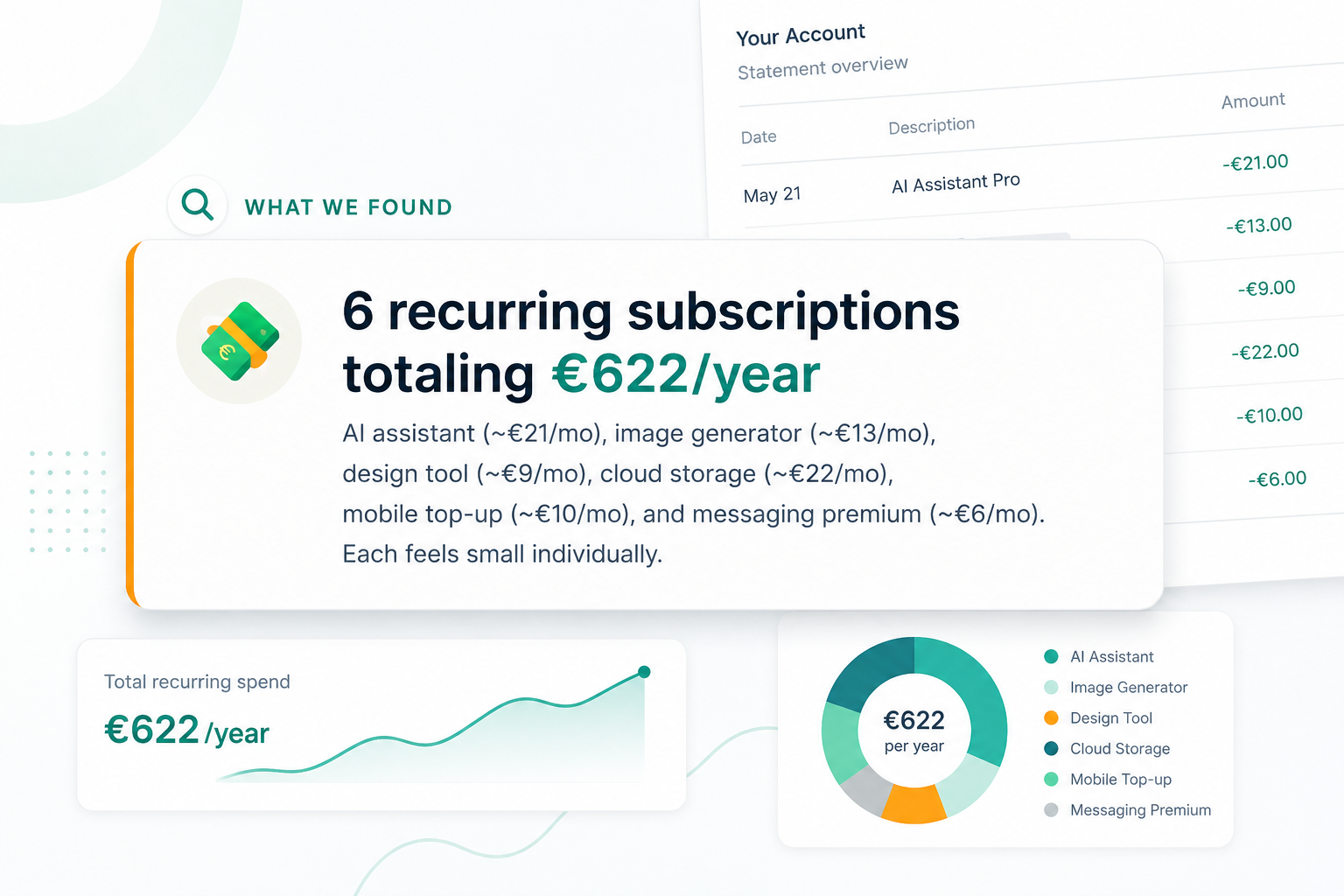
In one real three-month Revolut export we ran, three recurring charges added up to €2,015 a year — and the person only remembered paying for one of them. Recurring charges are the easiest money to lose, because each one is built to be forgettable: same amount, same date, no email, no second thought.
Here is how to find every recurring charge in your Revolut statement — manually with Excel, or with an automated report.
Why recurring charges hide in the Revolut feed
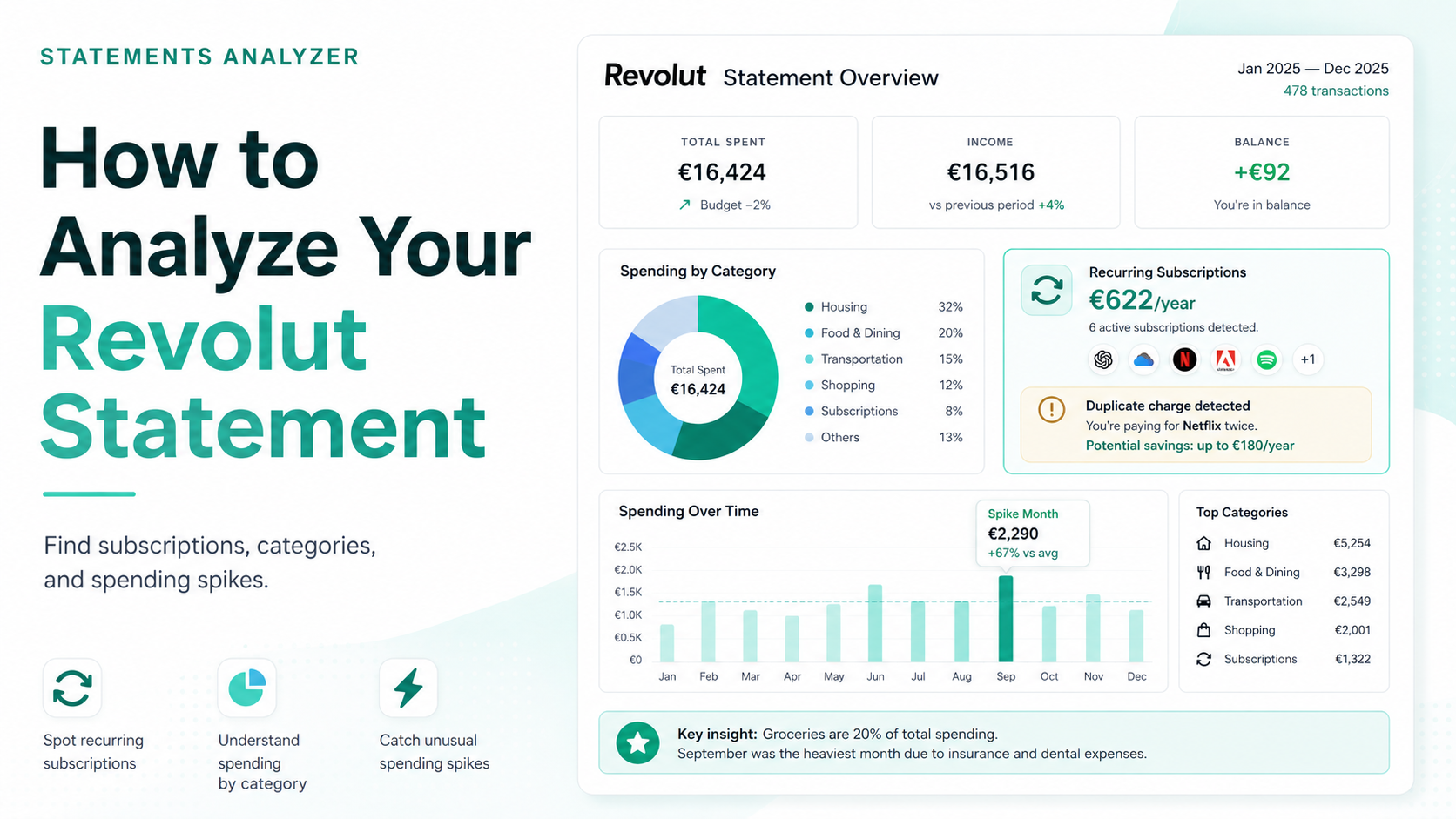
The feed lists charges in the order they land — a coffee, a top-up, a €12.99 somewhere in between. Revolut’s Analytics tab helps, but it groups by category, not by repetition: a €20/month subscription sits in “Services” next to a one-off government fee, and the chart treats them the same. Neither view answers the real question: which charges repeat, and what do they cost per year?
Revolut actually knows quite a lot about a single charge: tap a transaction and you may see “manage subscription,” the start date, even your lifetime total with that merchant. The catch: subscription status is something Revolut detects for some merchants and asks you to mark by hand for the rest. A tutoring service billing you four times for €500 total can sit there unflagged, because nobody marked it. Whatever subscription list the app keeps, it only contains what got detected or tagged — and the repeats that slipped through are exactly the ones costing you unnoticed money.

A recurring charge only becomes obvious when you see all the repeats on one screen, side by side — flagged or not. Category totals and per-merchant cards never give you that. A spreadsheet does it in one sort.
Step 1: Get your statement as a spreadsheet
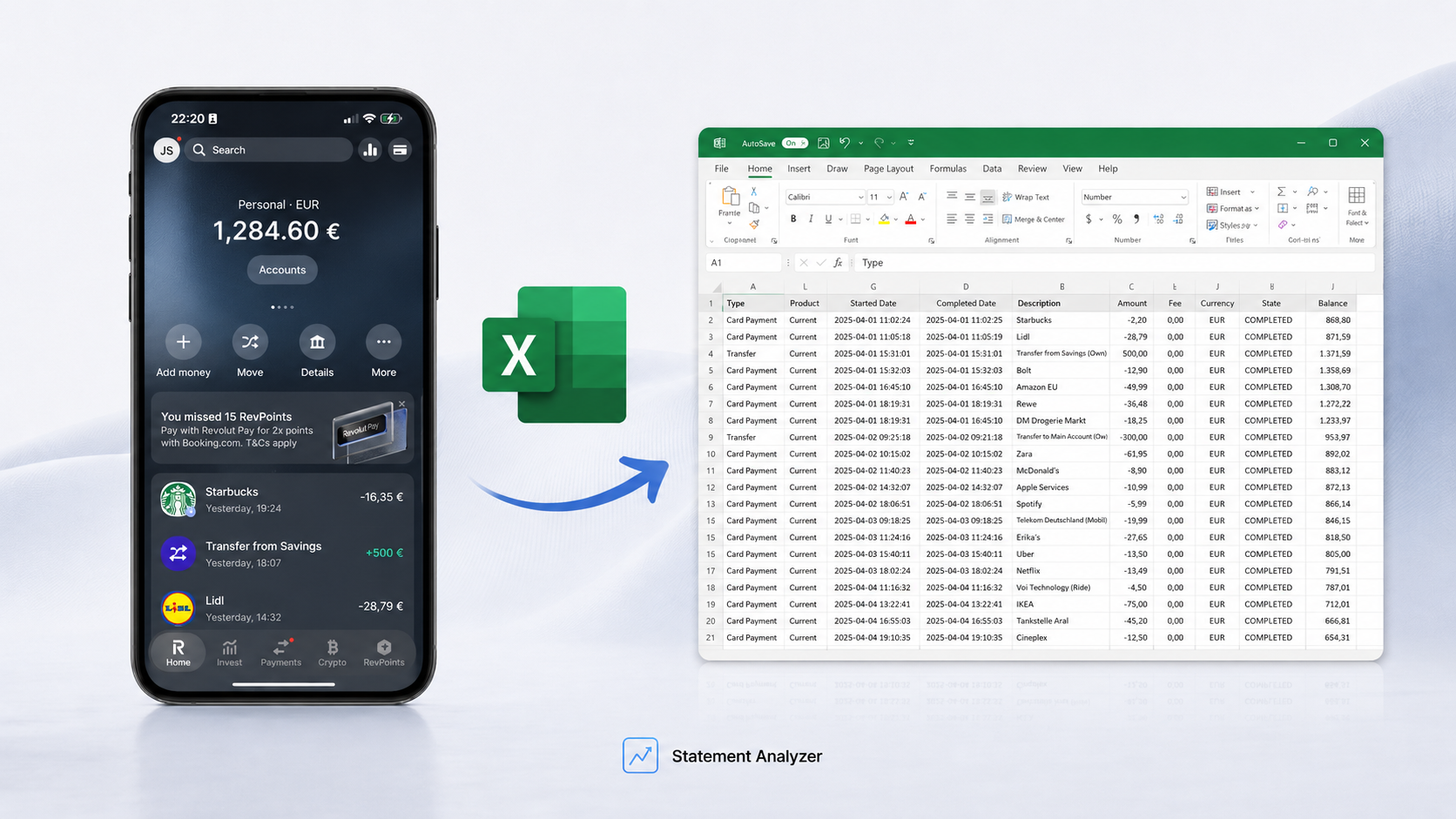
Open Revolut, tap More → Statement, choose Excel, and set the period to at least three months — some charges bill quarterly, and a single month would miss them. Full walkthrough is in the export guide.

Step 2: Sort by merchant, not by date
This is the whole trick. In date order, a subscription is scattered across the file — one line in March, one in April, one in May. Sort the merchant column A→Z and every charge from the same name stacks together.
Now you are looking for a simple pattern: same name, same (or near-same) amount, a regular gap — monthly, quarterly, or yearly. Three identical lines in a row is a subscription, whether you remember signing up or not.

Step 3: Check the three traps people miss
Even a careful scan skips these:
- Annual bills. A charge that fires once a year looks like a one-off, not a subscription. Three months of data can miss it entirely — which is why a 12-month export is worth doing once.
- Currency-variable charges. A subscription priced in dollars lands as a slightly different euro amount each month. Same service, different number — easy to read as unrelated.
- The ones that feel like bills. Insurance, storage, a parking app. They are subscriptions too, and they belong on the same list when you decide what stays.
What the numbers usually look like
Here is the real three-month statement we mentioned. Three subscriptions, €2,015 a year between them — and one of them was €127 a month, 75% of the total on its own.

That €127 line is the one to look at first — it is the biggest single lever in the file. Decide whether it earns its place. The other two are small enough to keep without much thought, or cancel in a minute. For scale: €2,015 a year covers a long-haul flight and a week somewhere warm.
Do it yourself — or get it done
Manual works fine: export the file, sort by merchant, tag the repeats. Budget about an hour and a little spreadsheet patience.
Or upload the same statement and get the recurring charges pulled out for you — every repeat, the yearly total, and which one to question first — in plain language, not raw rows.
→ See where your Revolut money goes — €9.99
Not sure yet? Take a look at a sample report first — the same breakdown, on a real statement.
Revolut recurring charges FAQ
Export the statement to Excel, sort by the merchant or description column, and look for the same name repeating with a similar amount on a regular schedule. Charges that appear monthly, quarterly, or yearly are your recurring ones.
A subscription is one kind of recurring charge — a service you signed up for. Recurring charges also include things like insurance, loan repayments, and utility bills. On the statement they all look the same: a repeating merchant on a fixed schedule.
Revolut flags a charge as a subscription only when it detects it — or when you mark it by hand. Recurring payments that miss both filters stay invisible: they sit in a category like “Services” next to one-off purchases, with no yearly total and no flag. Sorting the exported statement by merchant catches every repeat, marked or not.
At least three to catch monthly and quarterly charges. Run a full twelve months once a year so annual bills show up too.
No — the statement only shows you the list. To actually cancel, go to each merchant directly, or block the card payment inside the Revolut app.